Fleet Specification
We translate monthly page estimates, scan requirements, label sizes, and security constraints into a concise printer and consumable shortlist.
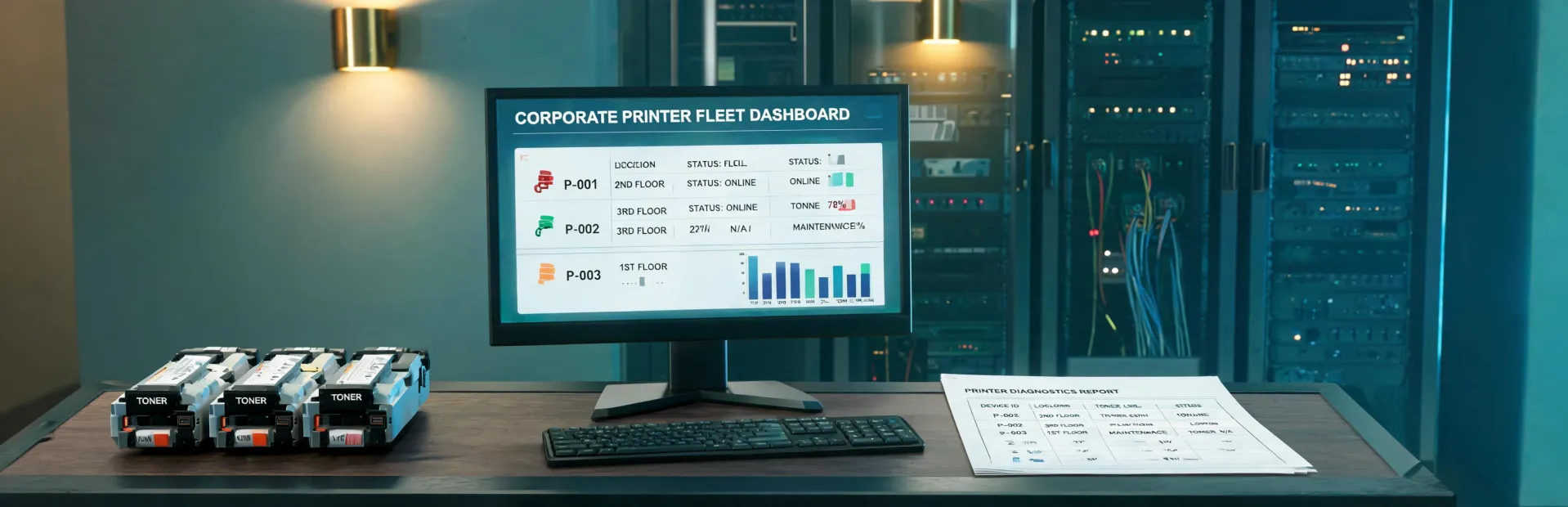
Brother Printer supports organizations that need more than a device quote. Procurement teams often need a repeatable process for selecting printers, calculating toner yield, documenting driver requirements, ordering paper, and protecting service continuity across many users. Our service model starts by separating output volume, media type, network environment, and replacement cycle, then converts those inputs into a practical support plan. That plan can include model comparison, datasheet packaging, consumable forecasting, installation preparation, fleet refresh sequencing, and issue routing after the purchase order is placed.
We translate monthly page estimates, scan requirements, label sizes, and security constraints into a concise printer and consumable shortlist.
Toner, drum, printer paper, and specialty label assumptions are documented by volume band so reorder cycles are not left to guesswork.
Driver, setup, warranty, and troubleshooting requests are routed with context, reducing duplicate tickets and inconsistent answers across locations.
The workflow is intentionally conservative. First, we confirm the use environment and the business reason behind the purchase: replacing aging monochrome units, adding color all-in-one devices, building a label station, or consolidating consumable ordering. Next, we collect operating details such as page volume, paper size, required connectivity, scanner workflows, and any procurement rules for energy ratings or recycled paper. We then group the requirements into a specification matrix that separates mandatory needs from optional preferences. The final output is a support packet with recommended device classes, consumable notes, driver links, paper guidance, and a quote-ready summary for internal review.
Gather users, locations, print volume, label media, and supply pain points.
Compare printer classes, yield assumptions, and compatibility requirements.
Prepare datasheets, consumable references, paper notes, and warranty context.
Send the request to procurement, reseller, service, or technical support channels.
Include the number of users, monthly page estimate, media sizes, label workflows, and whether you need driver, warranty, or consumable planning.